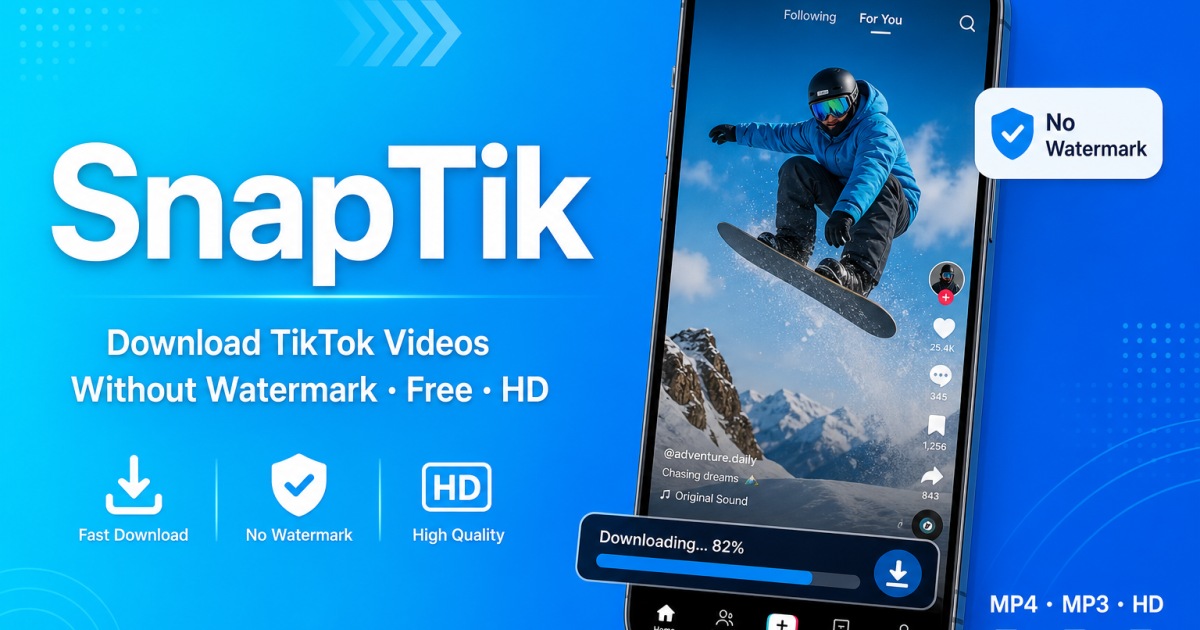
SnapTik — The TikTok Downloader US Users Rely On
SnapTik is a free online TikTok downloader used by millions of people across the United States. Paste any TikTok link and save the video without the watermark in seconds — no apps, no accounts, no fees. Works on every US phone and browser.
Save TikTok Videos Without the Watermark
Every TikTok video you try to share elsewhere carries a watermark by default. SnapTik removes it automatically when you download. Just copy the TikTok link, paste it into SnapTik, and pick the no-watermark MP4. You'll have a clean, share-ready file in seconds — no editing software needed.
MP4 Videos and MP3 Audio — Both Covered
SnapTik handles both formats. Save the full video as an MP4 (HD quality when available), or strip just the audio track as an MP3. The MP3 option is a hit with US content creators, music lovers, and anyone who wants to save a TikTok sound for offline listening or as a ringtone.
How SnapTik Works
Open TikTok on your phone or browser, tap Share on the video you want, and copy the link. Then head to SnapTik, paste the link into the box at the top of the page, and choose your format. The video downloads straight to your device — your Gallery, Photos app, or Downloads folder depending on your device.
Built for Every US Device
SnapTik is a browser-based tool, so there's nothing to install. It works on iPhones running Safari, Android phones on Chrome or Firefox, Windows computers, and Macs. Whether you're scrolling TikTok in New York or watching videos in California, SnapTik has you covered from any device.
Everything SnapTik Can Do for You
✓ TikTok videos without watermark — clean MP4
✓ HD and Full HD quality — sharpest available
✓ MP3 audio extraction — save any TikTok sound
✓ TikTok stories — download before they expire
✓ Works on iPhone, Android, PC, Mac
✓ No login or account required
✓ Unlimited downloads — no daily cap
✓ 100% free — no hidden fees
Try SnapTik right now — paste any TikTok link above and see how fast it processes. Join the millions of US users who use SnapTik every day to save their favourite TikTok content, watermark-free.